How to Use IPTV Canada on macOS Devices
Using IPTV Smarters on macOS (via Android Emulator) Step 1: Install BlueStacks on macOS Devices Step 2: Install IPTV Smarters App Step 3: Enter IPTV

Using IPTV Smarters on macOS (via Android Emulator) Step 1: Install BlueStacks on macOS Devices Step 2: Install IPTV Smarters App Step 3: Enter IPTV
1: Prepare Your FireStick 2: Install the Downloader App 3: Download IPTV App 4: Open IPTV Smarters Pro 5: Enter IPTV Subscription Details 6: Enjoy
First enable Developer options on your Google TV 1. Click gear icon to enter Settings panel. 2. Click System. 3. Choose About. 4. Hover over
Step 1: Ensure Your Smart TV Is Connected to the Internet Instructions: Step 2: Search for an IPTV App Instructions: Step 3: Launch the IPTV
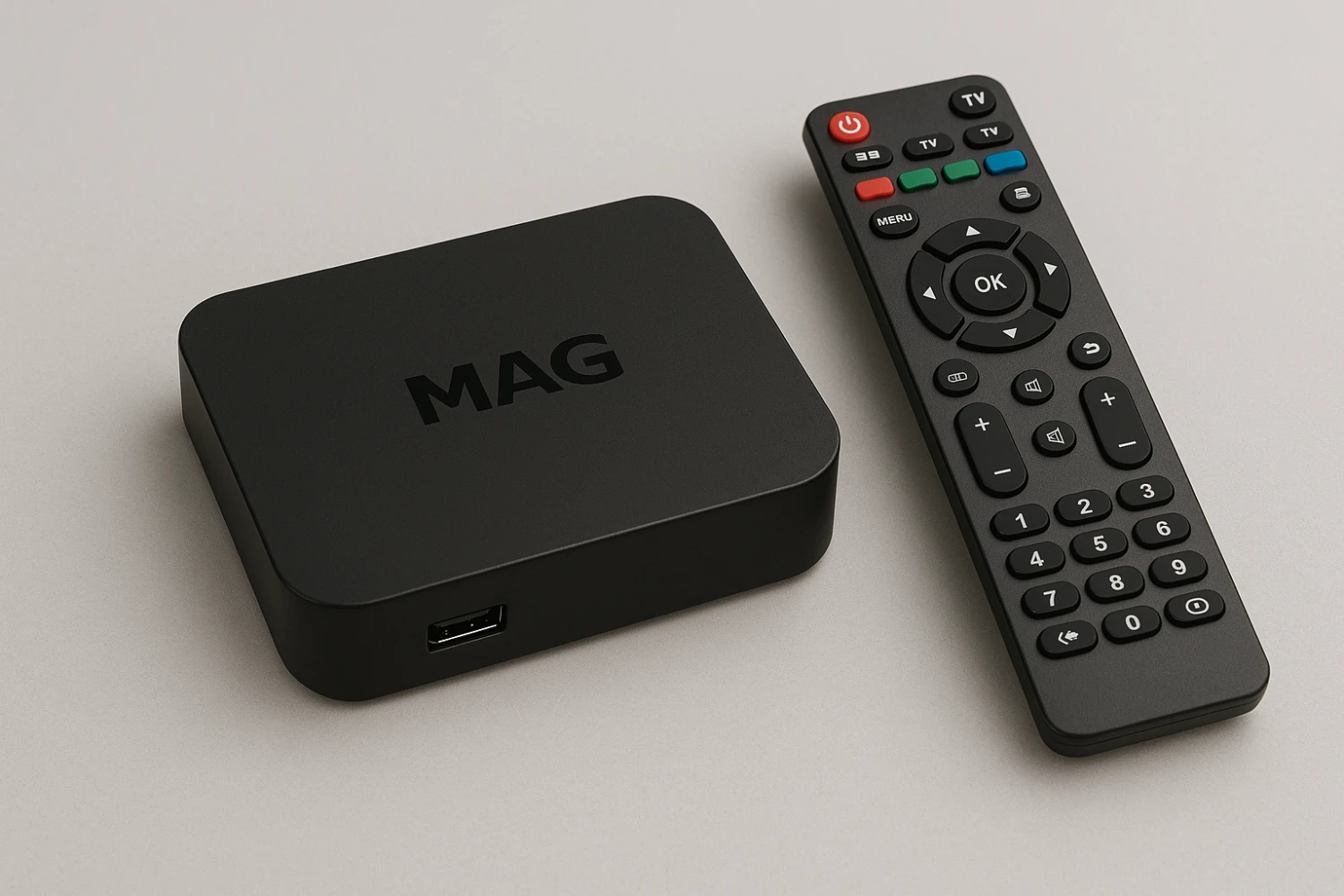
This guide will show you how to connect your MAG boxes to our IPTV service in just a few easy steps. Step 1: Plug In
