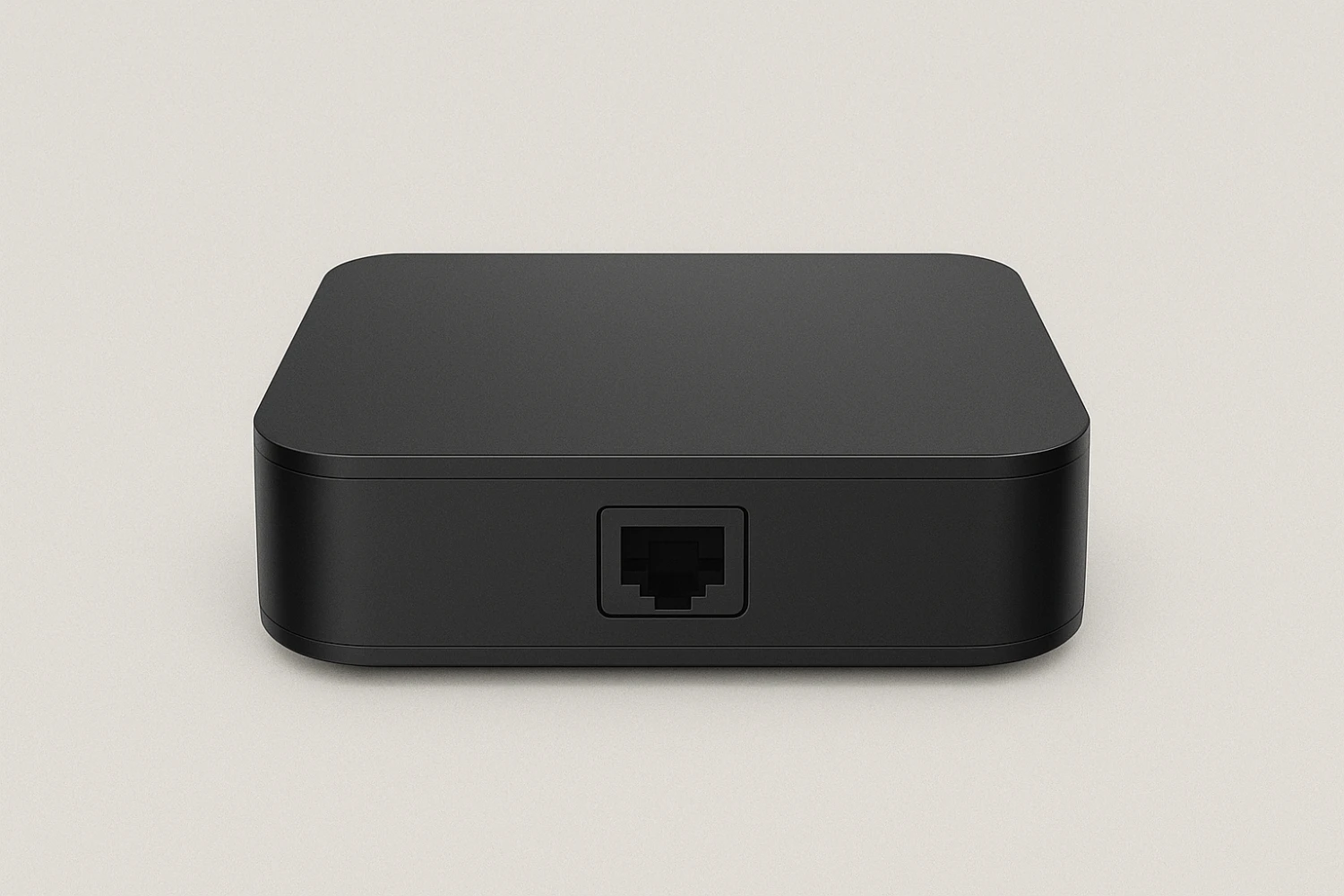
Watch IPTV Canada with Android TV Box (Nvidia Shield, Mi Box, and more)
1: Connect and Set Up Your Android TV Box
- Plug your box into your TV using HDMI
- Power it on and connect to Wi-Fi or Ethernet
- Sign in with your Google account if asked
2: Open the Google Play Store
- On the home screen, go to the Apps tab
- Open the Google Play Store
3: Search for an IPTV App
In the Play Store, search for one of these apps:
- IPTV Smarters Pro
- TiviMate IPTV Player
- XCIPTV Player

4: Install the App
- Select your preferred IPTV app
- Click Install
- Wait for it to download, then open it

5: Open the App and Accept Permissions
- Open the app from your app list
- Allow permissions if prompted (for storage or network)
6: Log In with Your IPTV Canada Subscription
Choose Xtream Codes API login, then enter:
- Any Name (e.g., “IPTV Canada”)
- Portal URL
- Username
- Password
Tap Add User or Login

7: Start Watching!
- Wait a few seconds for the channels and categories to load
- Navigate to Live TV, Movies, Series, or EPG
- Select any content to start streaming instantly
Tips for Smooth Streaming
- Use Ethernet if available for the best stability
- Close other background apps for better performance
- Keep your IPTV app updated from the Play Store
- Restart your box if the app freezes or lags
You’re all set!
Your IPTV subscription is now live on your Android TV Box. Enjoy premium content with smooth playback and easy navigation.