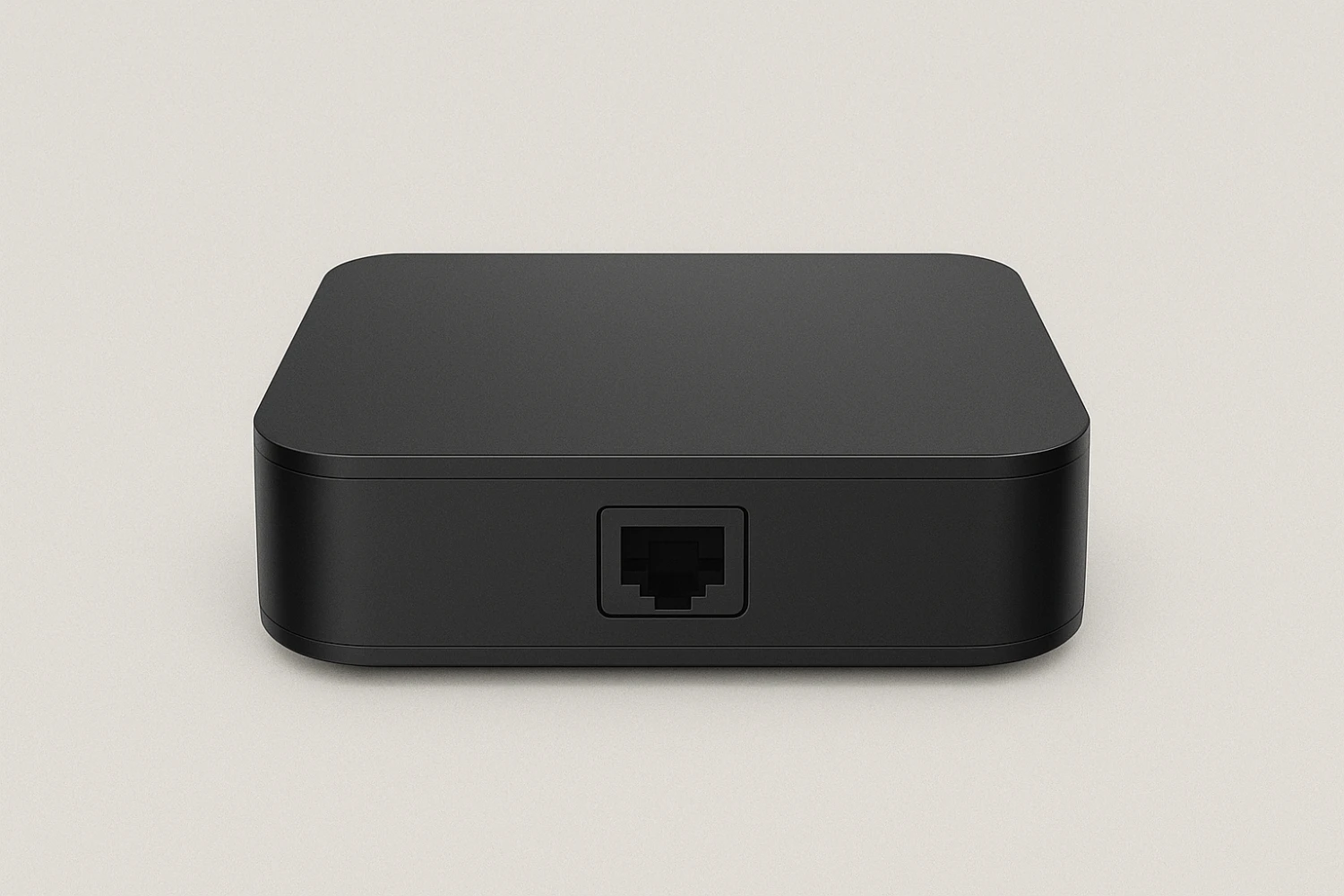
What You Need
- A 4th generation or newer Apple TV
- An active IPTV Canada subscription
- Your Portal URL or M3U Playlist + login credentials
- A stable internet connection (15 Mbps or higher recommended)
Step-by-Step Guide
1: Turn On Apple TV and Open App Store
- Power on your Apple TV
- From the home screen, open the App Store
2: Search for IPTV App
- In the App Store, search for one of the following apps:
IPTV Smarters Pro
GSE Smart IPTV
IPTVX - Choose the app you prefer and click Get to install
3: Launch the App
- Once installed, go back to your home screen
- Open the IPTV app you just downloaded
4: Enter IPTV Canada Subscription Details
Depending on the app, you’ll be asked to choose a login method:
Most common option:
- Login with Xtream Codes API
- Enter:
- A name (e.g., “IPTV Canada”)
- Your Portal URL (provided when you purchased your subscription)
- Your Username and Password
Alternative option:
- Load M3U Playlist URL if that’s what your provider gave you
- Paste the full M3U link into the playlist field
5: Load and Stream
- After logging in, wait a few seconds for channels and VOD content to load
- You can now access:
- Live TV
- Movies
- TV Series
- EPG Guide (if included in your subscription)
- Live TV
Tips for Best Experience
- Use a wired Ethernet connection if possible for more stable streaming
- If you experience buffering, try restarting the app or router
- Enable automatic updates to keep your app optimized
You’re All Set!
Your IPTV Canada subscription is now active on your Apple TV. Sit back and enjoy unlimited entertainment right from your living room!