Step 1: Open MYTVOnline 3
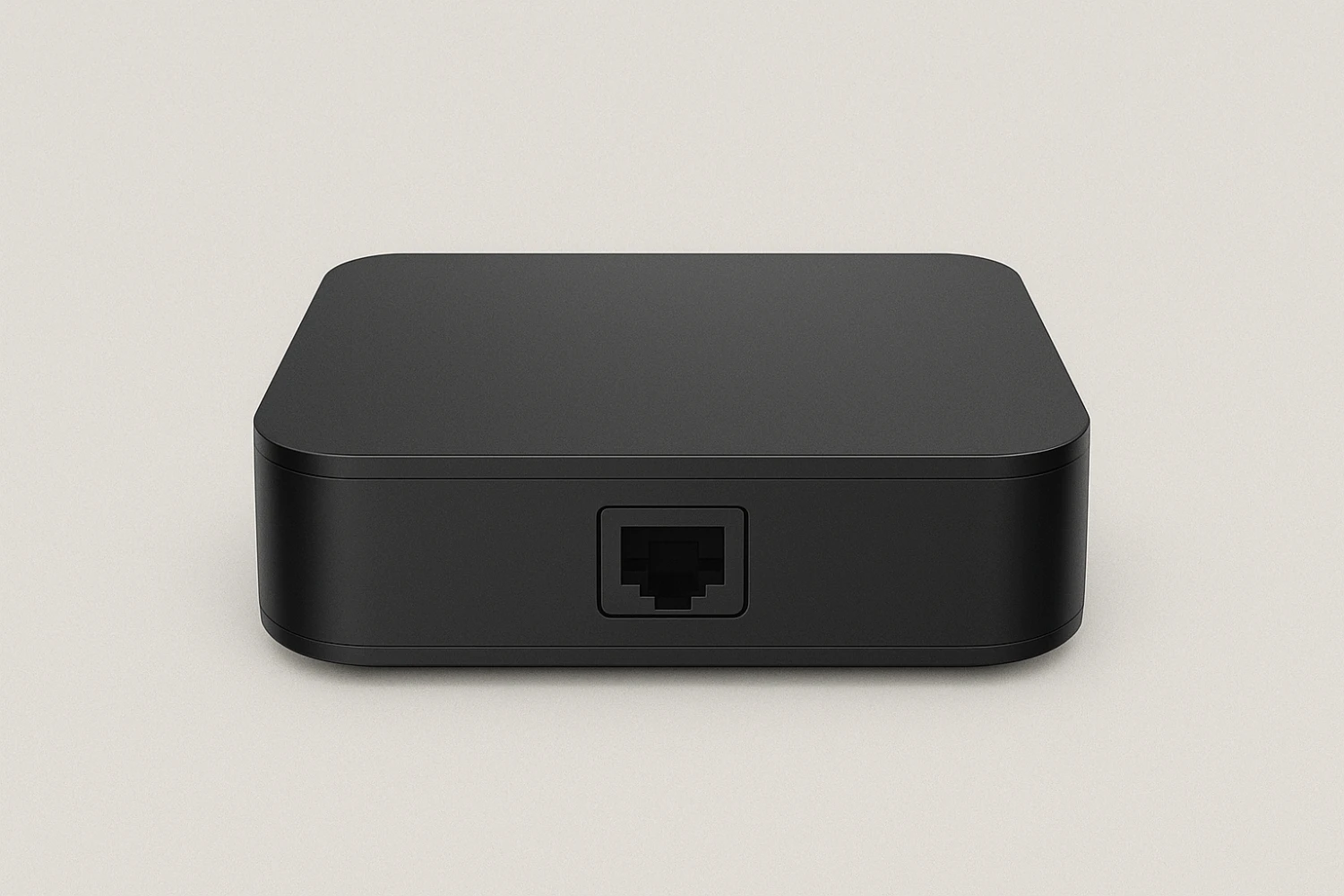
Begin by opening the MYTVOnline 3 app, which is pre-installed on the Formuler IPTV Boxes (Formuler Z11).
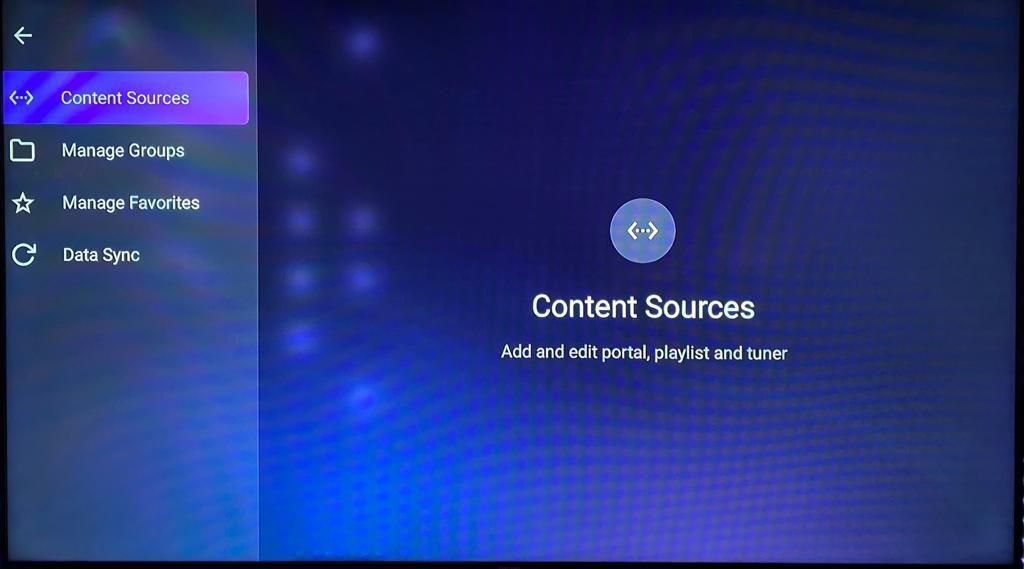
Step 2: Navigate to Source Manager
In the app, go to the Menu, then select Content Manager, and click on Source Manager.
Step 3: Choose Your IPTV Setup Method for your Formuler IPTV Boxes
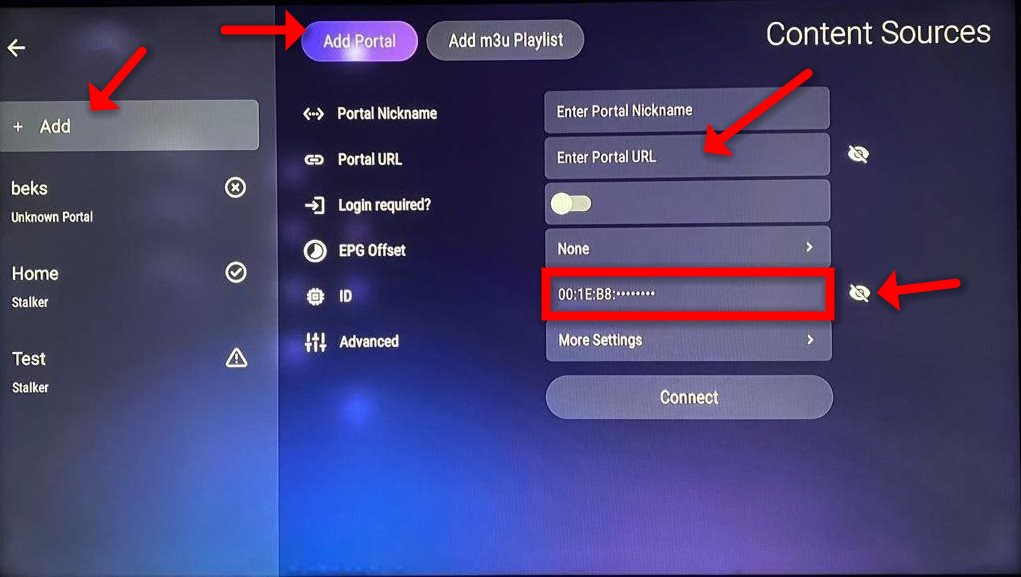
For Portal Setup:
- Select +Add, then choose Add Portal.
- Copy the MAC ID by clicking the eye icon next to your device ID and share it with your IPTV provider, such as Rapid IPTV.
- Enter the Portal URL provided by your IPTV provider in the designated field, ensuring “Login Required” is set to off.
- Click Connect to load the IPTV channels.
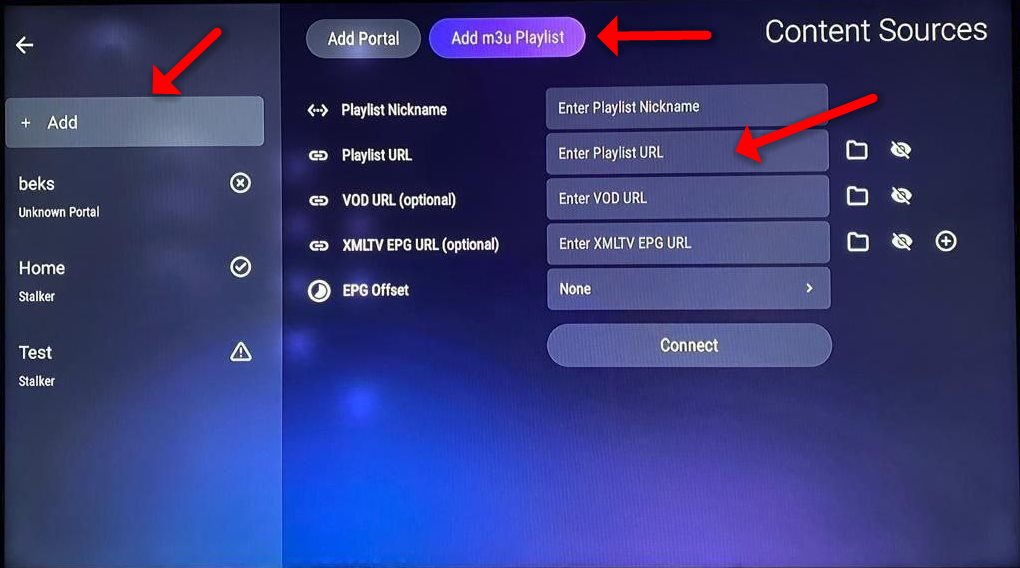
For M3U Playlist Setup:
- Choose +Add, then select Add M3U Playlist.
- Enter the M3U URL provided by your IPTV provider into the “Playlist URL” field.
- If your M3U link has options, you can leave the VOD and EPG fields blank, as they will load automatically.
- Click Connect to start enjoying your channels.