Hisense Smart TVs running VIDAA OS don’t come with IPTV apps pre-installed, but you can still enjoy IPTV Canada with a few simple steps. Here’s how to get everything set up quickly and easily.
1: Turn On and Connect Your Hisense TV
Power on your Hisense Smart TV
Connect to the internet using Wi-Fi or Ethernet
Make sure your firmware is updated (go to Settings > System Update)
2: Access the VIDAA App Store
Press the Home button on your remote
Scroll to My Apps or App Store (depending on your model)
Select App Store to browse available apps
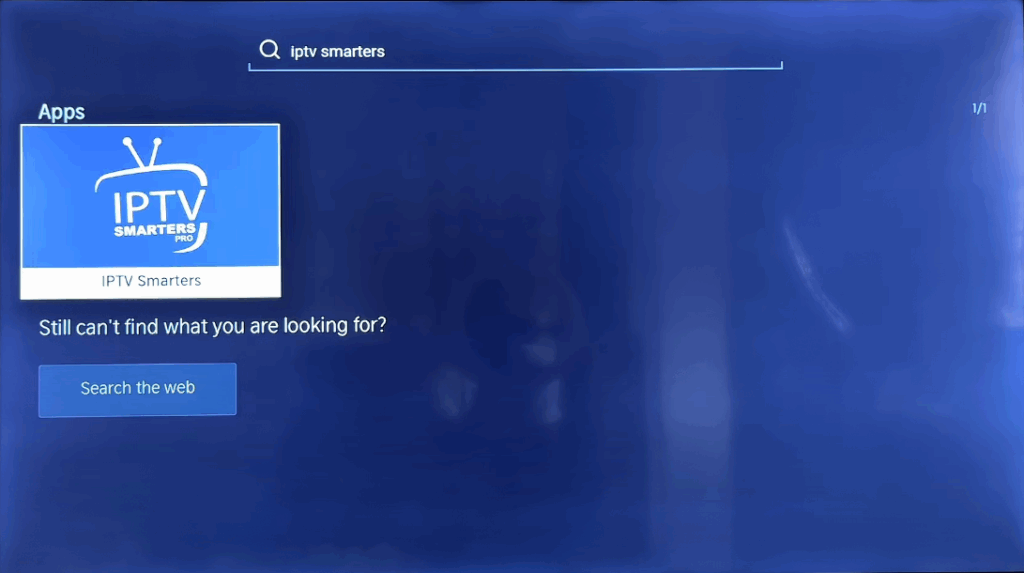
3: Search for an IPTV-Compatible App
Use the search function and look for one of the following apps:
SmartOne IPTV
Net IPTV
SET IPTV
SS IPTV
Availability may vary depending on your region and TV model.
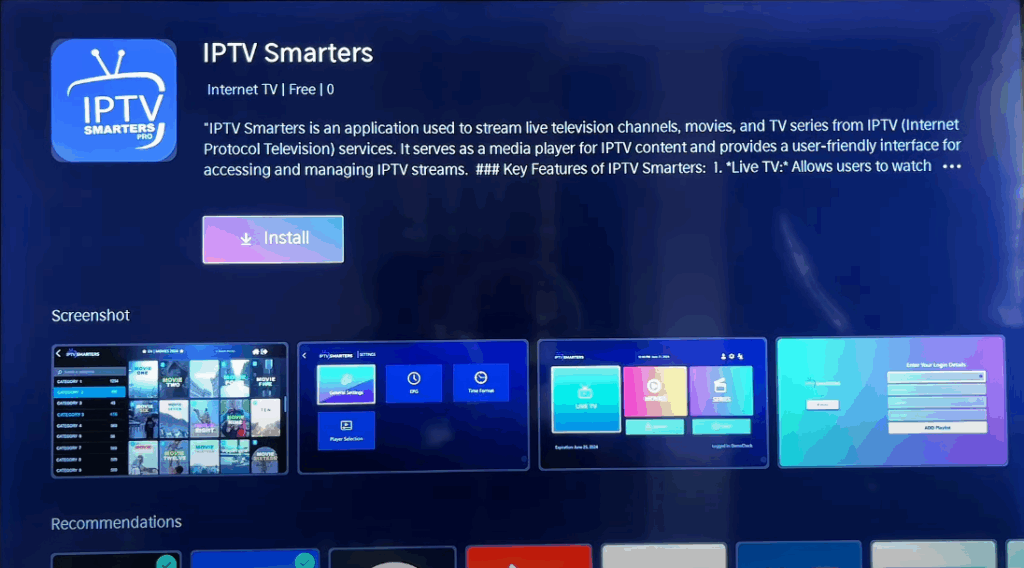
4: Install the IPTV App
Select the app from the list
Press Install and wait for it to download
Once installed, open the app from your home screen
5: Link Your MAC Address to Your IPTV Provider
When the app opens, it will display a MAC address (e.g., 00:1A:79:XX:XX:XX)
Copy this MAC address carefully
On a smartphone or computer, go to the activation website (varies by app):
Enter your MAC address and upload your M3U playlist URL (provided by your IPTV provider)
Some apps may require a one-time activation fee
6: Refresh the App
After linking your playlist, go back to your Hisense TV
Reopen or refresh the IPTV app
Your IPTV Canada channels should now appear
7: Start Streaming IPTV Content
Navigate through your categories: Live TV, Movies, or Series
Use your remote to switch channels and access the EPG (if available)
Enjoy smooth IPTV playback on your Hisense Smart TV
Tips for Smooth Streaming
Use Ethernet for the most stable experience
If the app crashes, reboot your TV and try again
Use EPG URLs from your provider for a full TV guide experience
Keep your IPTV app updated from the VIDAA Store
If your app isn’t available, consider using screen mirroring from an Android device as a workaround
Your IPTV Canada subscription is now active on your Hisense Smart TV (VIDAA OS). With just a few steps, you’ve unlocked access to hundreds of live channels and on-demand content from the comfort of your living room.