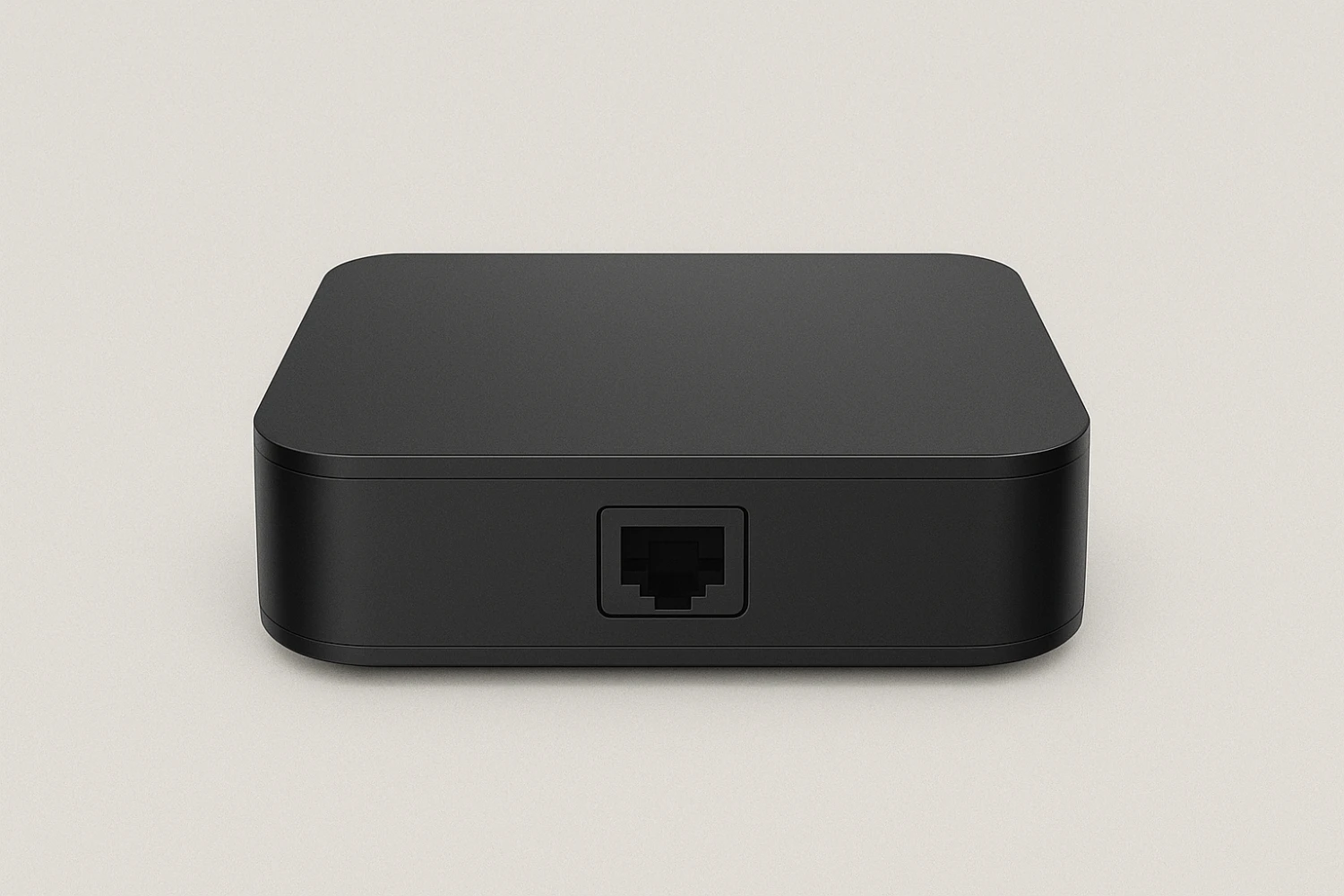
STEP 1:
Go to your Enigma2 Devices and get your IP address.
Go to Settings/Setup/System Network Device Setup Adapter Settings.
And get your IP address it starts with 192.168…..
STEP 2:
Go to your windows PC and download Putty Software.
Putty dURLload URL https://the.earth.li/~sgtatham/putty/latest/x86/putty.exe
STEP 3:
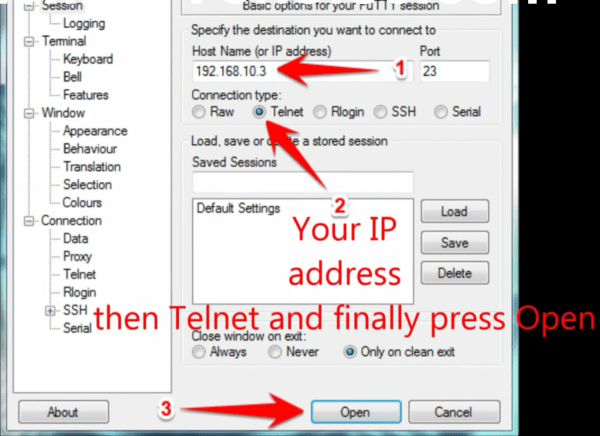
Open Putty and follow these steps.
Add your IP address of your Enigma2 Devices ( Same IP as step 1 ) Port 23 Connection type Telenet Click on “Open”.
STEP 4:
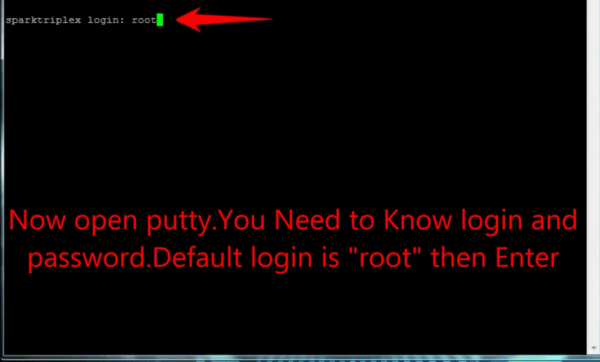
Your default login and password are root.
STEP 5:
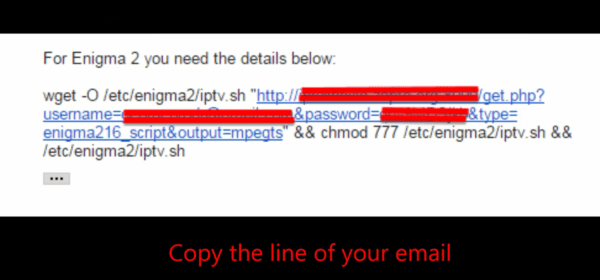
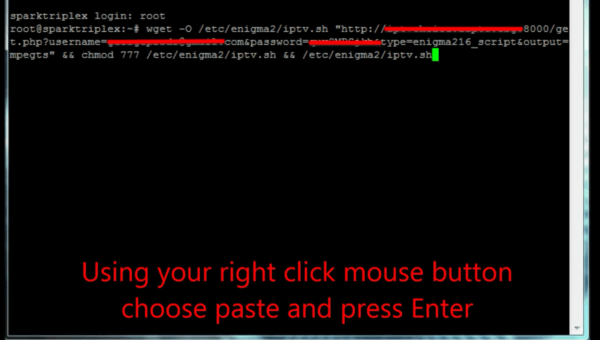
Copy your URL line (you will get it after you order your subscription).
STEP 6:
Use RIGHT CLICK MOUSE BUTTON after you enter your line press “ENTER”.
STEP 7:
Type reboot and your device will restart.
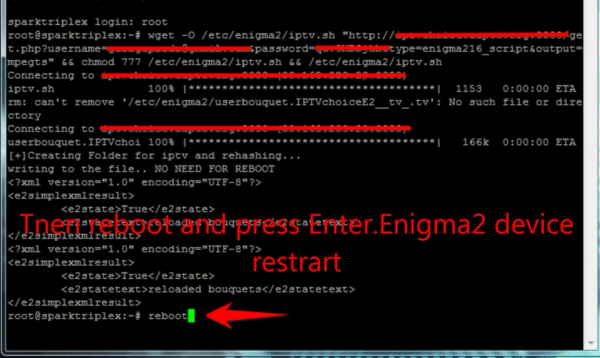
Now you will find the IPTV folder, all IPTV channels are inside your IPTV folder.